Features
Everything Orda does today.Scroll, and watch it work.
Six chapters, each with the three things owners use most. Every feature here is ready now; what’s still being built is on the roadmap.
Ready7735 more on our roadmap
Ordering
Customers scan, choose and pay on their own phone (test payments during the pilot). No app, no account.
Scan and order
A QR code opens your menu in the phone’s browser. Nothing to download.
Where to find it: Your customer menu
Choices done properly
Crusts, spice, extras. Required choices can’t be skipped, prices add up as they tap.
Where to find it: Dashboard → Menu
Goes well with
The dish sheet suggests a side or a drink that goes with it. You choose the pairs, or let it pick from what people order together.
Where to find it: Dashboard → Menu
How it works
- 01Open a dish in Menu and find “Goes well with”.
- 02Pick up to three dishes, or leave it on automatic.
- 03Customers see them in the dish sheet and add one with a tap. Turn it off any time.
Orders and the kitchen
Every order lands on one board with a sound, and the kitchen works from a clear ticket.
Live order board
New, preparing, ready. One tap moves an order along.
Where to find it: Dashboard → Orders
Kitchen tickets ready to print
Big order numbers, collection time, notes and allergens you can’t miss. 80mm or 58mm.
Where to find it: Dashboard → any order
One ticket per station
Oven, fryer and drinks each get only their own dishes.
Where to find it: Dashboard → Settings
Your menu
Change dishes, prices and allergens yourself, and see it live straight away.
Menu editor
Dishes, prices, photos, choices, allergens and VAT rate per dish.
Where to find it: Dashboard → Menu
Allergen chart
Made from your dishes, so it always matches the menu. Add “may contain” where you need it, then print it for the counter.
Where to find it: Dashboard → Menu
Bulk changes, with undo
Pick several dishes and change the price, section, kitchen station, allergens, badge or sold out in one go. Check the preview first, and undo if you change your mind.
Where to find it: Dashboard → Menu
Website and QR codes
Your own website, bookings and print-ready QR posters, all from the same menu.
Your own website
Story, menu, hours, map, gallery and a big order button.
Where to find it: Dashboard → Website
Four templates
Fire & dough, Seaside poster, Slow morning or Lantern. Switch any time.
Where to find it: Dashboard → Website
Printable stickers
Window, door, counter and flyer designs, ready to print.
Where to find it: Dashboard → QR codes
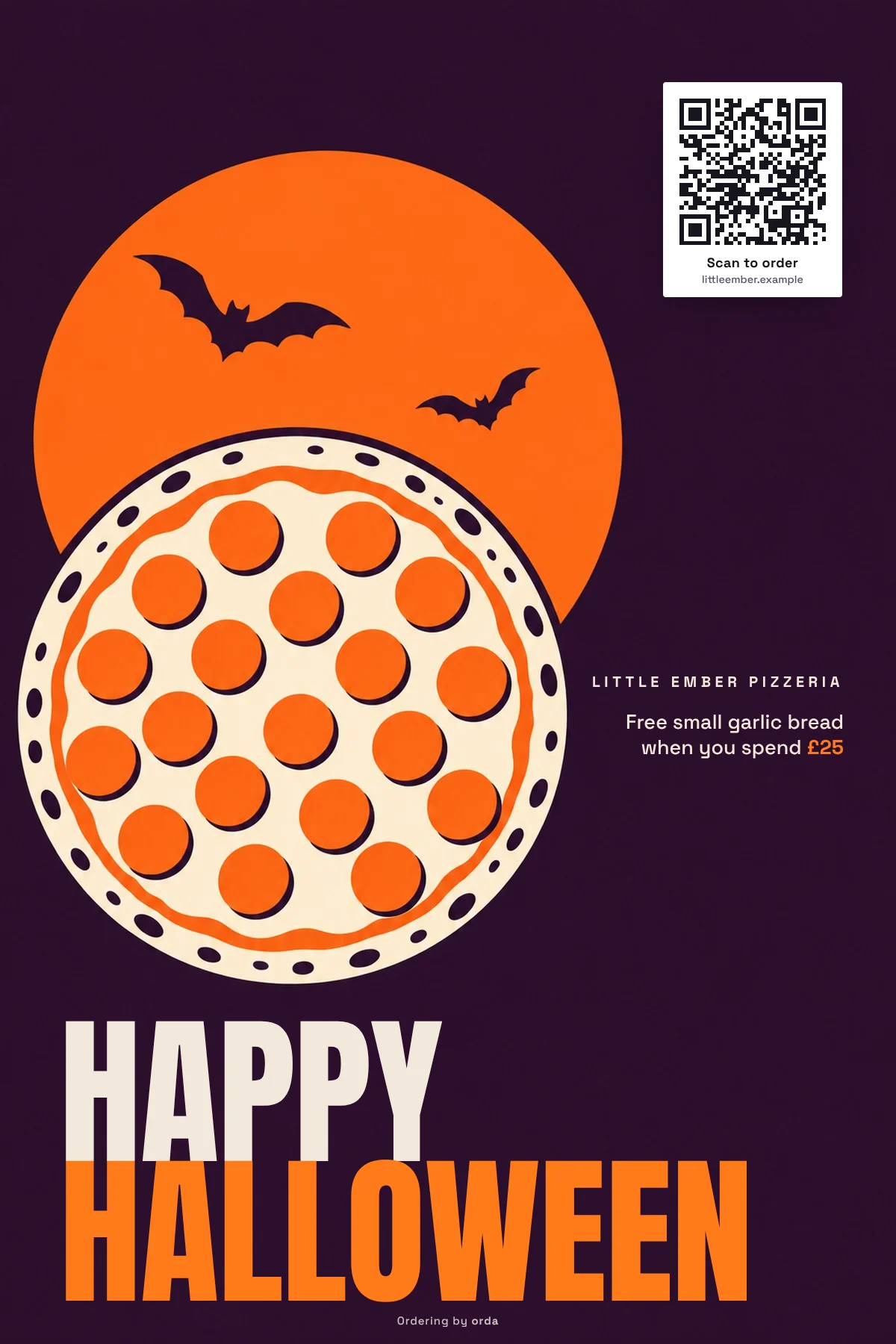
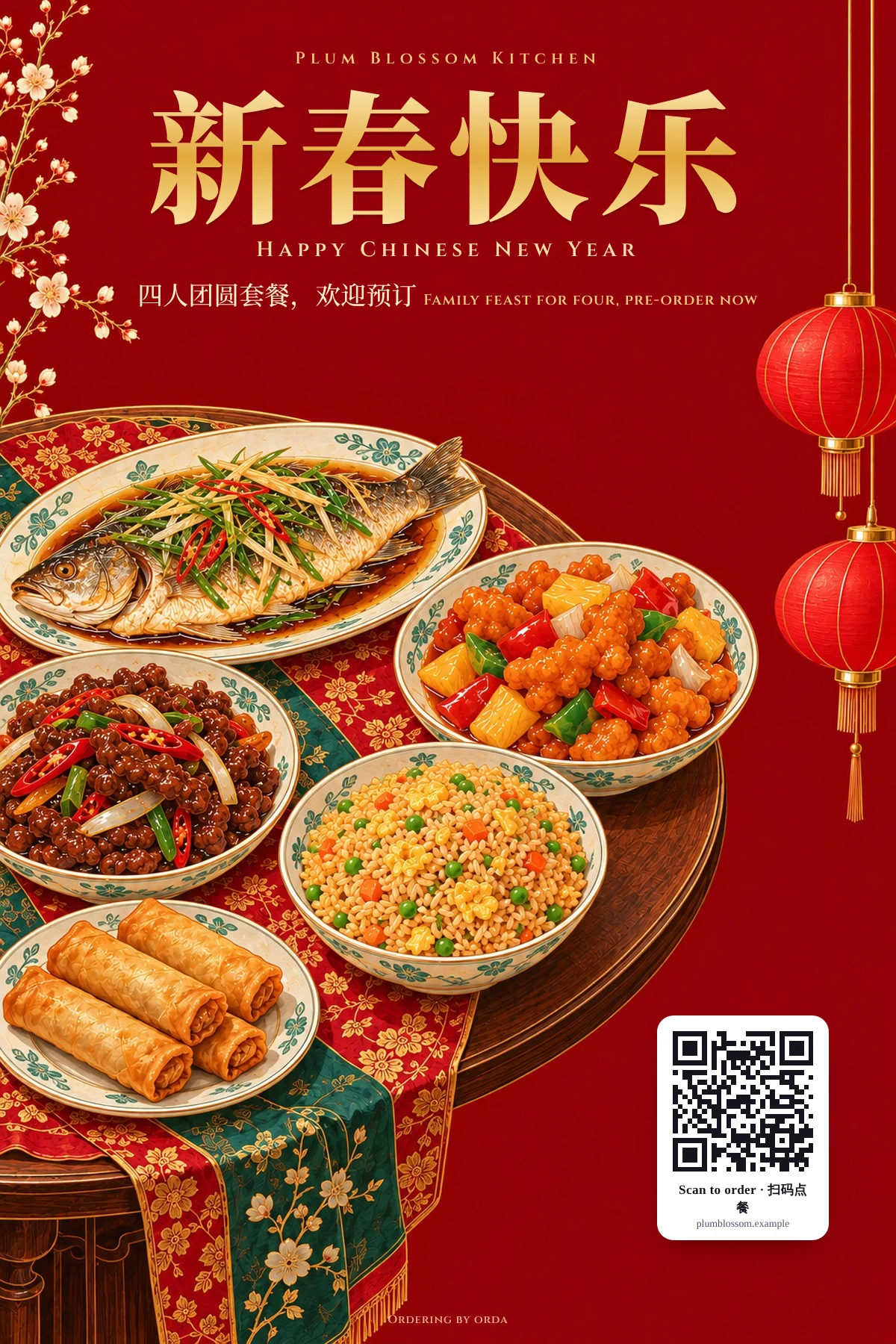
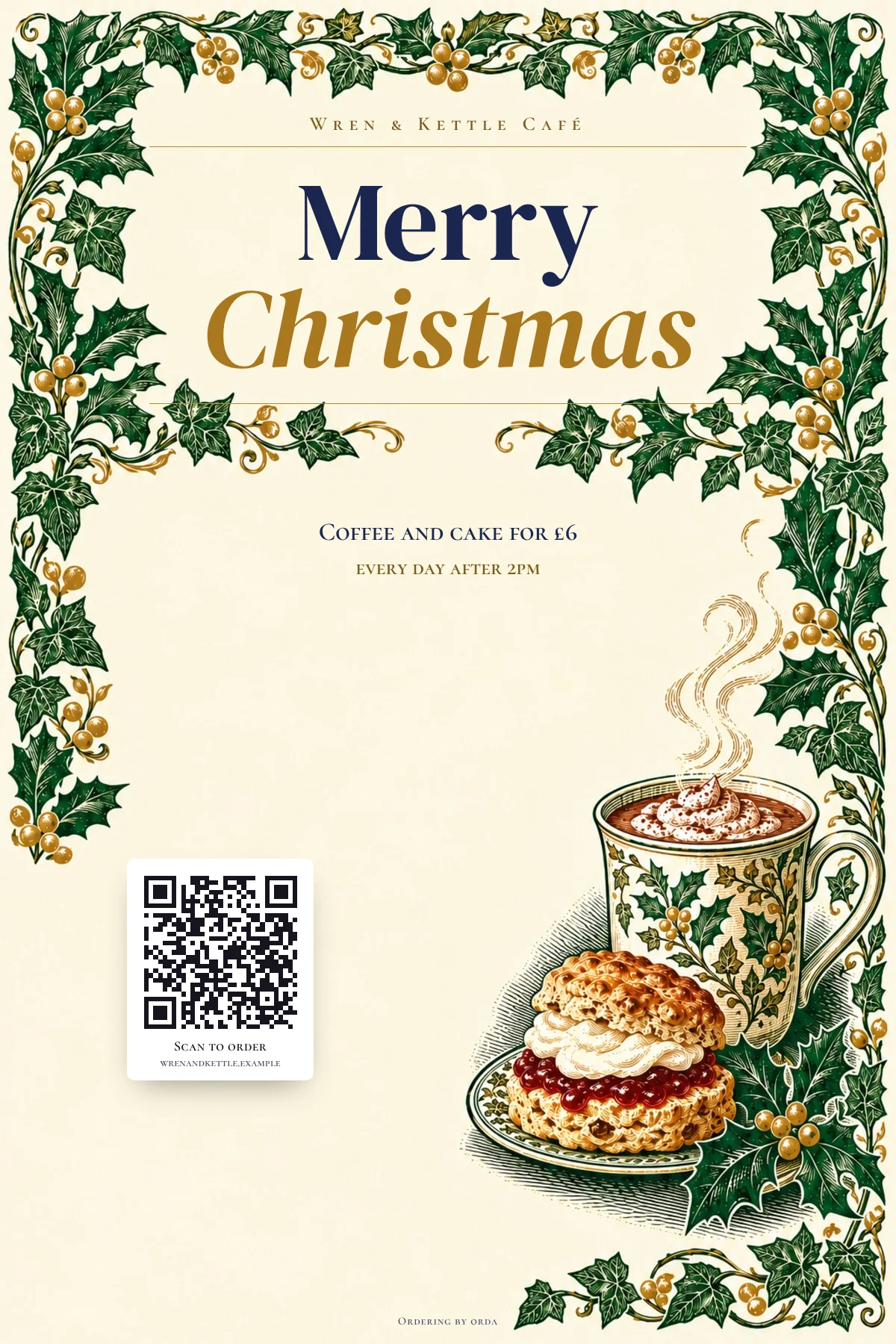
A few of the posters
Your offer and your QR code, ready for the window or for Instagram.
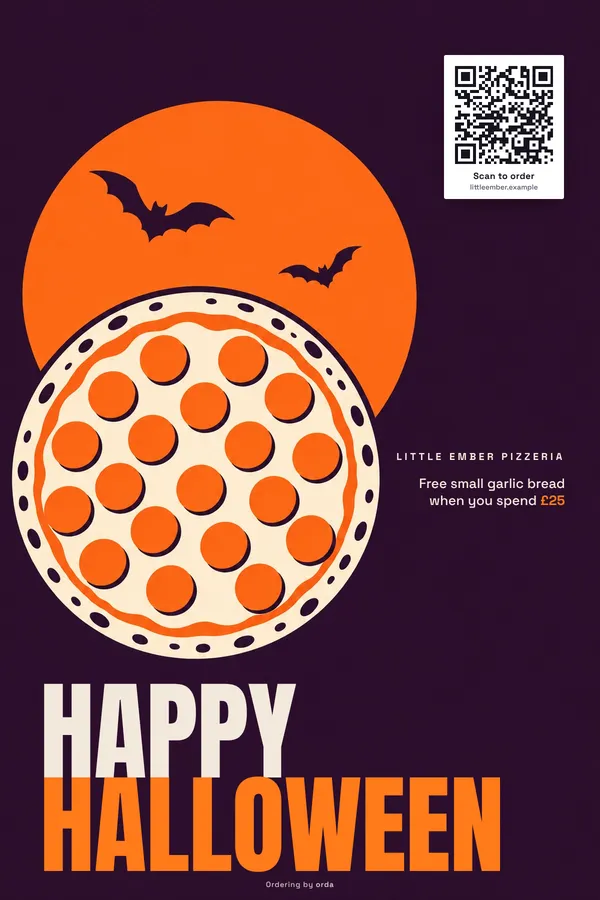
Halloween
Little Ember Pizzeria
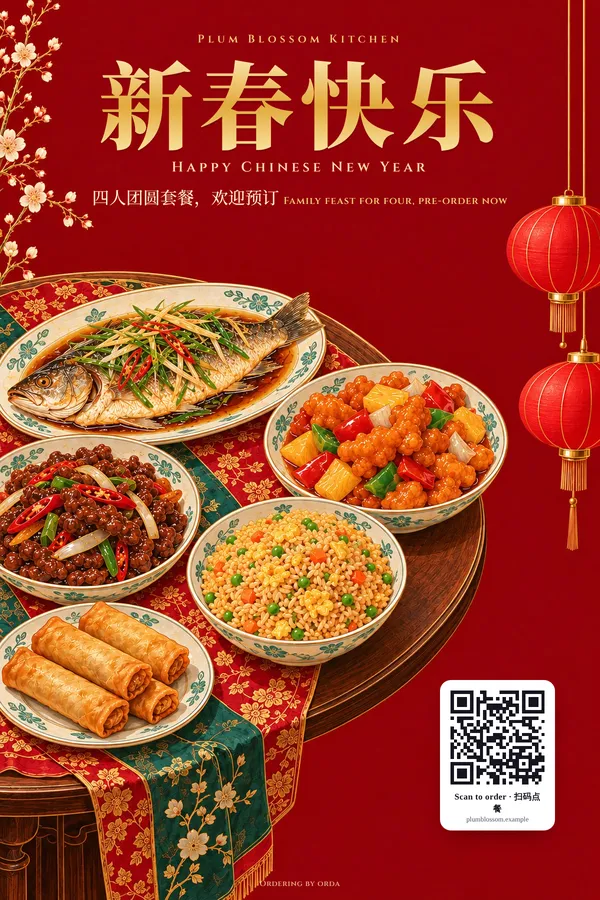
Chinese New Year
Plum Blossom Kitchen
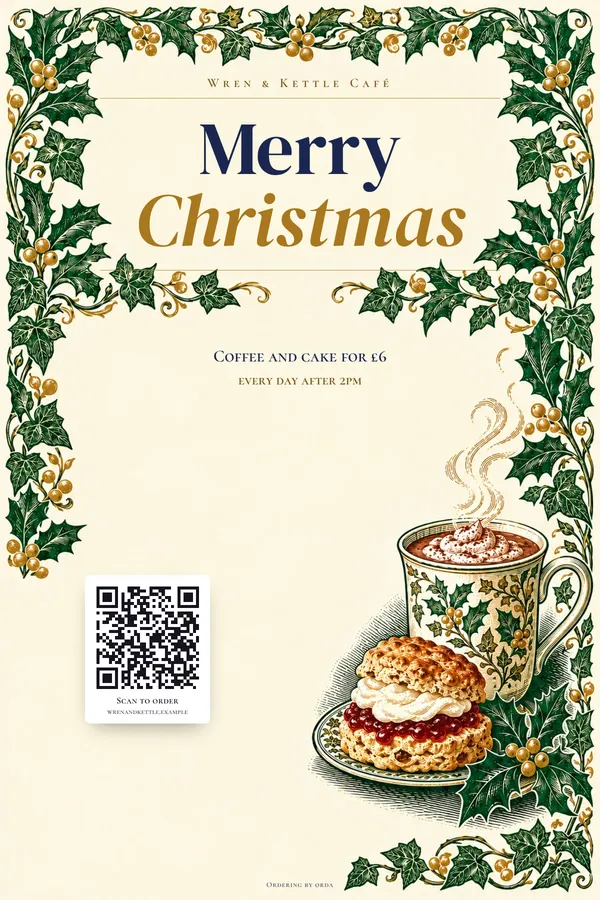
Christmas
Wren & Kettle Café
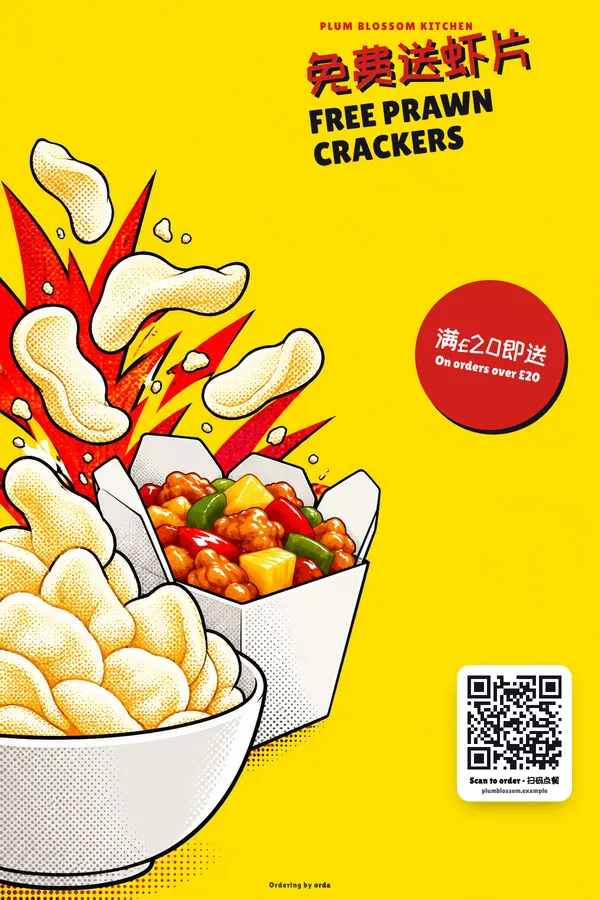
Everyday offer
Plum Blossom Kitchen
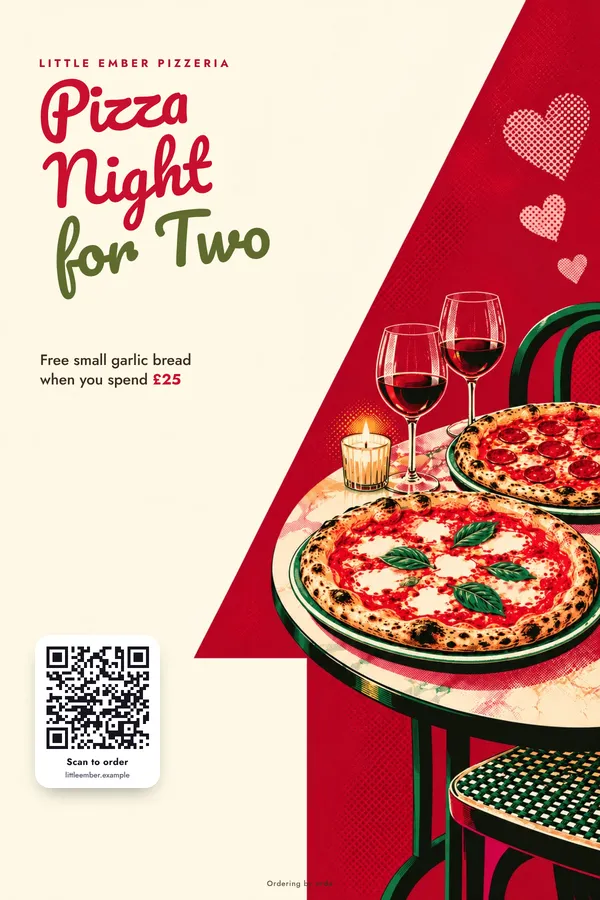
Valentine’s Day
Little Ember Pizzeria

Mid-Autumn Festival
Plum Blossom Kitchen
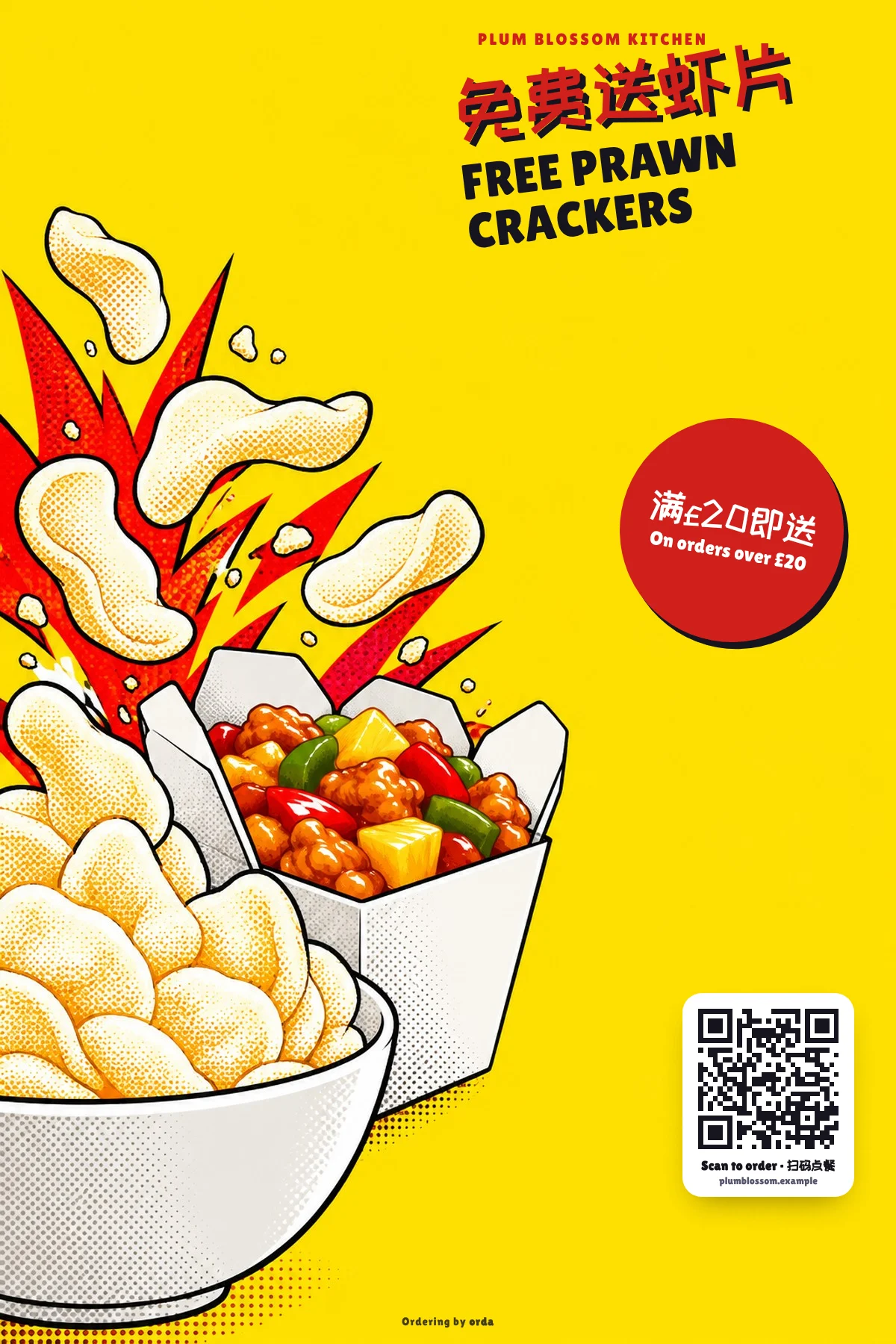
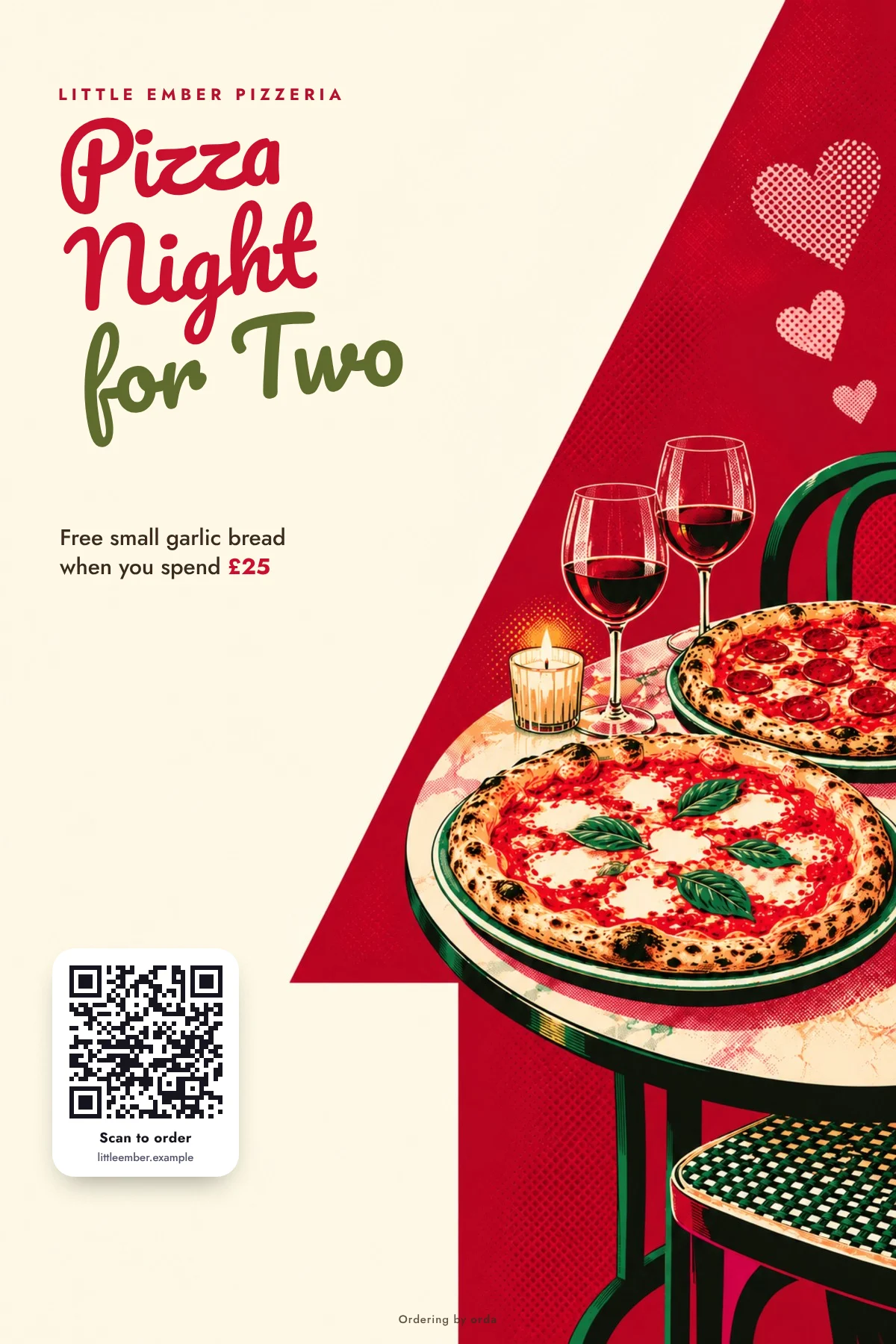

Made-up restaurants. Images for illustration.
Money and reports
Daily cash-up, Z report and VAT summary in every plan, ready for your accountant. Online shop adds the sales overview: trends, best sellers, QR performance and your regulars.
Daily Z report
Takings, refunds, offer discounts and VAT by rate, worked out in pence.
Where to find it: Dashboard → Reports
Your money, clear every day
A daily cash-up with card, card machine and cash side by side, compared with yesterday. Count the till and see if it’s over or short. Month by month with one CSV for your accountant. We don’t file tax returns.
Where to find it: Dashboard → Money
Customer list
Online shop plan
Who orders, how often and what they like. New, regular and lapsed.
Where to find it: Dashboard → Customers
Staff and trust
The right buttons for each person, and a record nobody can quietly change.
The right buttons for each person
Staff accept orders and mark dishes sold out. They can’t change prices, refund or see takings.
Where to find it: Dashboard → Settings
Every change recorded
Every refund and price change, with who and when. Records your accountant can use.
Where to find it: Dashboard → Settings → Audit log
Card details never touch our servers
Customers pay through a secure payment page. We never see the card number.
Book a demo
Want to see it with your menu?
Tell us a little about your restaurant. We’ll get in touch within one working day to arrange a short demo tailored to your menu and the way you work.